
A screen showing last month's offer works against you.
We supply, install and manage your screens, and make sure the right message is on the right screen at the right time. Your team adjusts the content, we keep the technology working.
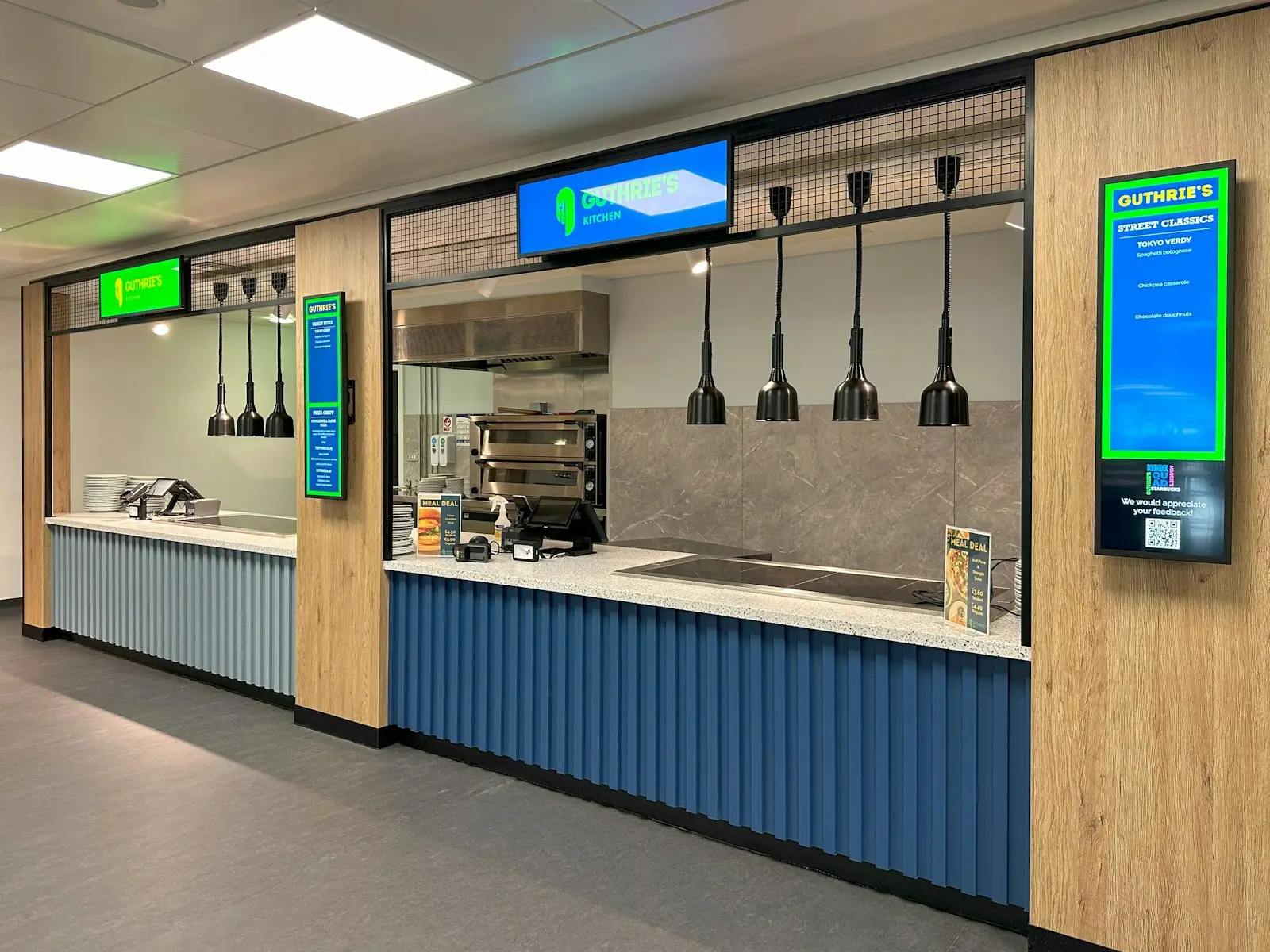
What digital signage means
Hanging up a screen is simple. Keeping it current and working is something else: screens that do not start again after a power cut, a USB stick someone has to go and swap, or a message that stays up months too long.
In practice: we advise which screen suits which place, supply and mount the hardware, connect everything to a central management platform, set up templates and a schedule per screen or location, and train your team so it can show offers, news or production figures itself.
Where a screen makes the difference
Every space needs a different screen and a different message. Five places where screens work well.
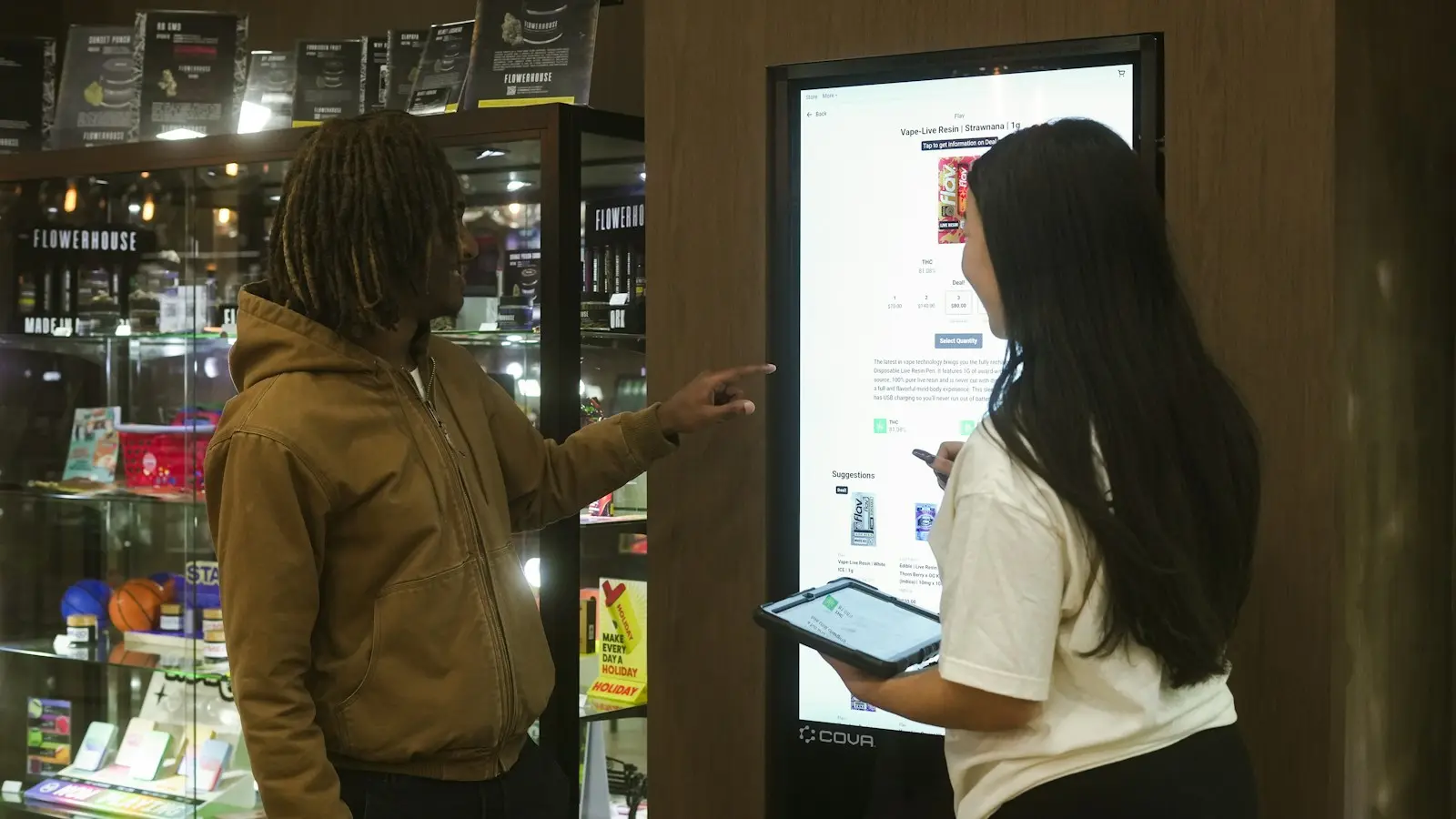
Shop and shop window
Offers, prices and new products, scheduled per day or per hour. A screen in the shop window stays visible to passers-by after closing time.
Reception and waiting area
A welcome for visitors, the way to the meeting room or information about your business while someone waits.
Production floor
The day's schedule, safety information and announcements for people without a desk, updated automatically from a shared source.
Canteen and internal communication
News, training, new colleagues and results. It also reaches people who do not read their email every day.
Hospitality and menus
A menu board you adjust yourself: the daily menu, the lunch menu or an item that has sold out. It switches by itself between breakfast, lunch and evening.
From a blank screen to your own schedule
We take care of the technology, your team takes care of the content.
- 01
Site visit
We look at your spaces, the incoming light and the viewing distance, and suggest which screen fits where.
- 02
Delivery and mounting
Screens, players and brackets are delivered, mounted and connected to a separate network segment.
- 03
Templates and schedule
We set up templates in your house style and a first schedule per screen, group or location.
- 04
Managing it yourself
Your team gets training and then schedules offers, news or production figures itself. We monitor the technology remotely.
What digital signage includes
From the screen on the wall to remote follow-up. This is what we arrange for every screen we manage.
- Advice
- Which screen, which size and which brightness per space, from shop window to production hall.
- Screens
- Professional displays, made to run all day.
- Players and mounting
- Media players, brackets and cabling, installed by us.
- Content platform
- One central environment for all your screens and locations, with templates, playlists and scheduling.
- Dynamic content
- Data from, for example, a SharePoint list, a calendar or a dashboard, without manual work.
- Network
- Screens on a separate VLAN, with only the connections the platform needs.
- Remote management
- Status checked automatically, updates outside opening hours and an alert to us if a screen goes offline.
- Training
- For whoever manages the content, and again for new colleagues.
Content is buffered locally, so a screen keeps playing if the internet drops for a moment.
Questions we get
Sometimes, with a separate media player. Consumer devices are not made to run all day, so we check per screen whether it is worth it or better replaced.
Your team schedules and adjusts the content itself with templates we set up in your house style. After the training that goes smoothly, and for questions you can turn to our service desk.
The screens keep showing the last loaded content. As soon as the connection is back, they automatically fetch the new schedule.
Yes. One screen at reception or in the canteen is a good start, and you can later expand to more spaces or sites on the same platform.
Hardware and installation are charged once, the platform and management as a recurring service per screen. We discuss the price once we have looked at the spaces and the use together.
Let us look at which message should go where.
We look at your spaces on site and suggest which screens will deliver the most where.