
Nobody should notice there is a network.
We design, build and maintain your network, Wi-Fi and servers so they simply do what they should. Monitored in the background, maintained when nobody is at work.
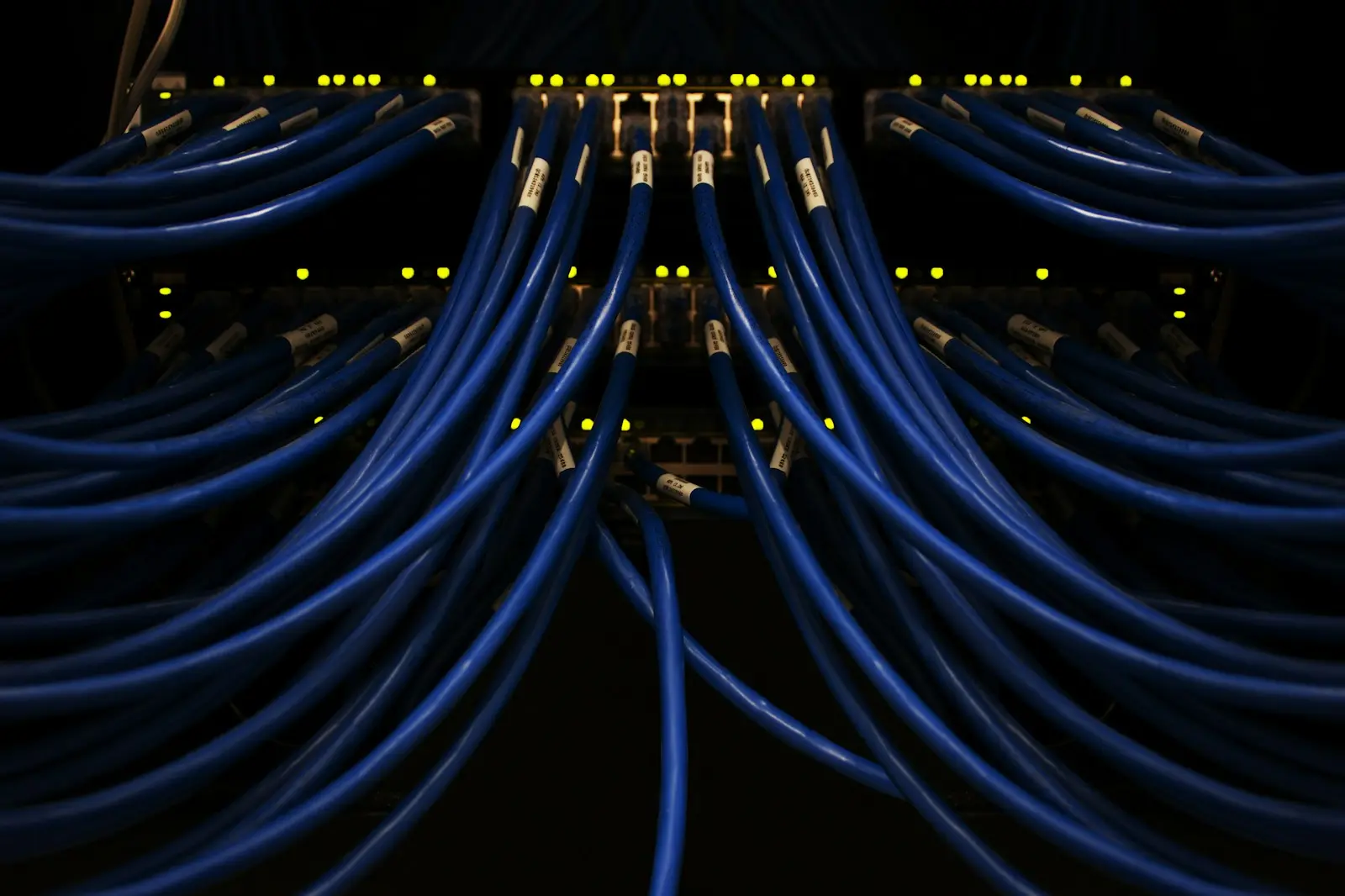
What infrastructure and networks means
Most SME networks were not designed, they grew: another switch, an extra access point, a server that has been there for years. That works until it does not, and then nobody knows exactly how everything is connected.
In practice: we measure and document what is there, design a network with a managed firewall and separate VLANs for office, guests, telephony and machines, and place Wi-Fi based on an on-site survey. Servers and storage run on-site or hosted, virtualised where it makes sense, and everything is monitored continuously.
From a network that grew to a network with a plan
Rarely a major outage, but small disruptions that come back every week. Minor on their own, together hours of working time for your whole team.
How a network project runs
From first survey to follow-up, without your team coming to a standstill.
- 01
Survey
We visit, map what is there and measure Wi-Fi coverage on site. Whatever is still good and receiving updates can stay.
- 02
Design
You get a network plan with firewall, segmentation, Wi-Fi and the hardware needed, with a schedule and the cost per component.
- 03
Installation after hours
Major works take place in the evening or at the weekend, with a fallback plan, so your team can simply carry on the next morning.
- 04
Follow-up
From then on everything is monitored continuously, firmware and servers get their updates in a maintenance window and the documentation stays current.
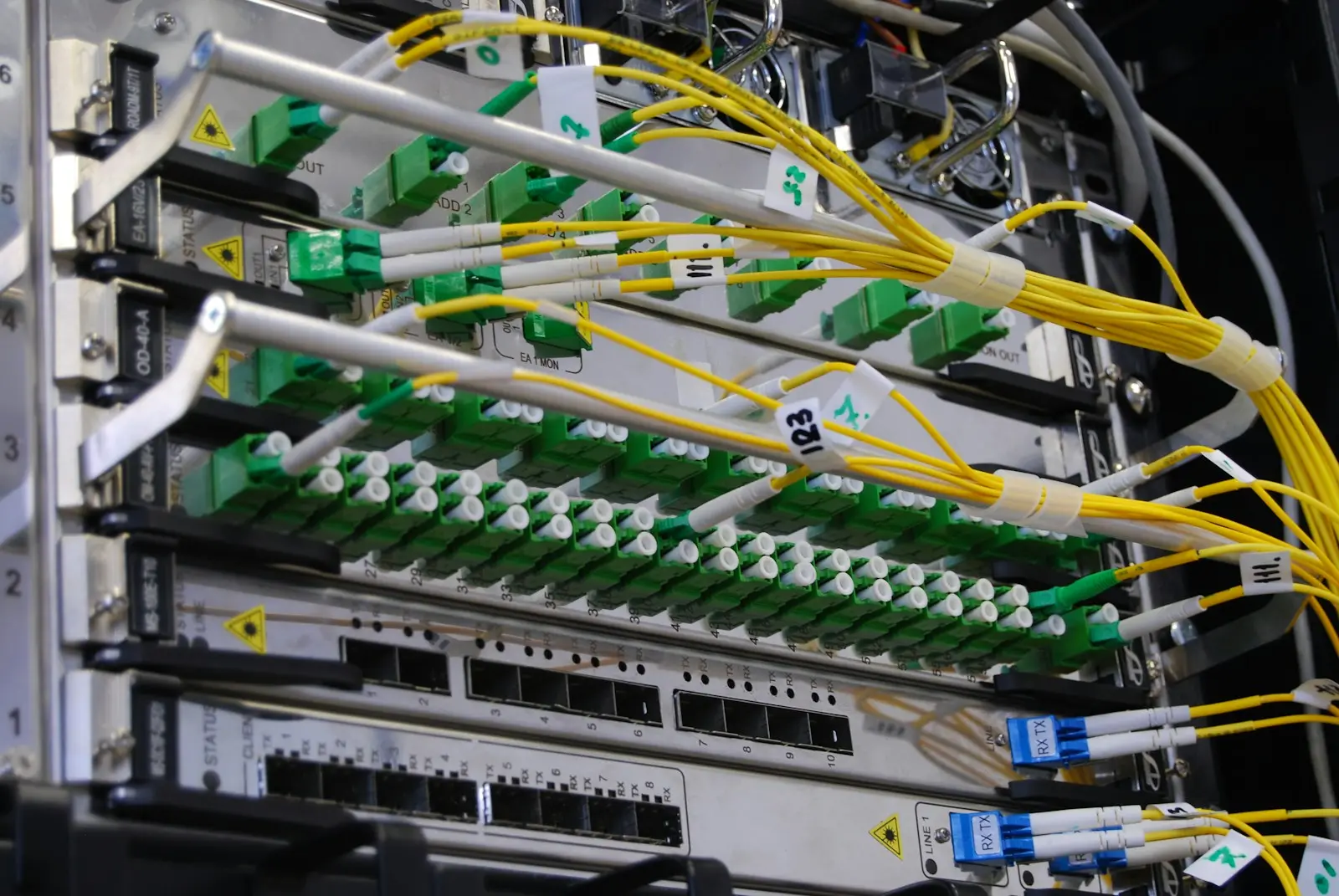
What falls under our management
Every component is inventoried, documented and monitored by us.
Internet & firewall
Switching & cabling
Wi-Fi & access points
VLAN segmentation
Servers & virtualisation
Storage
What it looks like in practice
Three situations where a well-built network gives peace of mind.
The firewall gets an important update
We install it in the agreed maintenance window and check afterwards that everything is back online. When your team arrives at eight, everything works as it did yesterday.
The warehouse gets a new hall
We measure Wi-Fi coverage on site, plan access points and cabling together with the contractor, and the scanners work on the first day in the new space.
A disk in the server starts to fail
The monitoring reports it before the disk actually fails. We order a replacement and swap it without the server having to go down.
How it is set up
The details below are for IT managers and technical decision-makers. If that is not you, feel free to skip this.
We work with a layered design: a firewall at the edge, managed switches and VLANs per function, such as office, guests, VoIP, cameras and production. Traffic between segments passes through the firewall with explicit rules, so a compromised device cannot move freely through the network.
A next-generation firewall with web filtering, intrusion detection and geographic blocking where it makes sense. Remote access runs through VPN with MFA, and outward-facing ports are only opened when really necessary.
Access points are placed based on a site survey, with separate SSIDs for staff and guests and WPA3 or 802.1X authentication where devices support it. All access points are managed and updated centrally.
Servers run virtualised on a hypervisor, so a workload is independent of the hardware and easier to restore or move. Storage is sized based on measured growth, with RAID and monitoring of disk health.
Firewall, switches, access points and servers report continuously to our monitoring platform, with thresholds for availability, capacity and hardware status. Updates and changes happen in agreed maintenance windows outside working hours, always with a fallback plan.
Questions we get
Not automatically. We inventory what is there and check whether it still receives updates and support. What is still good stays, and we replace the rest according to a plan.
That depends on your software, your internet connection and how much data you use every day. We give honest advice per application, and sometimes a combination of both is the best choice.
No. We schedule major works outside working hours or at the weekend, with a schedule discussed in advance and a fallback plan. You know beforehand what will happen and when.
Yes. We connect sites with secure site-to-site connections and manage firewall, Wi-Fi and switches from one place, with the same rules at every location.
We offer hardware and installation as a project, and the management and monitoring afterwards as a recurring agreement. We discuss the price after an inventory of your current environment.
Let us take a closer look at your network.
We visit, map what is there and tell you what we would tackle first.