
Attackers do not pick large companies. They pick open doors.
We protect your accounts, devices and mailbox in a way that fits an SME, and teach your team to recognise a suspicious email. If something does happen, everyone knows the next step.
What cybersecurity means for an SME
Cybersecurity is not a product you buy once, but a set of agreements and settings that together raise the bar. For an SME it is mostly about getting the basics right: who can sign in where, which devices are protected, and what happens when someone does click a link.
In practice: we set up MFA and conditional access in Microsoft Entra ID, protect laptops and servers with endpoint protection, filter your mail for phishing and malware, train your team with short sessions and simulations, and write a response plan with you that fits on one page.
Why this matters for your business
SMEs are an easy target
Most attacks are automated. They look for weak passwords and missing MFA, whatever the size of your business.
An incident hits more than your IT
Downtime, delayed invoicing, messages to clients and questions from your insurer. The real damage is outside the server cabinet.
Clients and insurers ask about it
More and more often you have to show that MFA, backups and an incident plan are in order. It helps when that is on paper.
What happens when someone clicks the wrong link
A colleague enters a password on a fake login page, or a laptop starts behaving oddly. This is how it goes from that moment on.
The response plan sets out in advance who decides on your side and whom we notify. That way no time is lost in the moment.
- 1Automatic
The first door stays shut
Without a second factor, the sign-in is refused. A device behaving like ransomware is isolated from the network by the endpoint protection straight away.
- 2Alert
We see it, you do not have to look
The alert goes to our service desk and is assessed straight away during office hours. Outside those hours you reach us on the emergency line.
- 3Contain
We establish what is affected
Which accounts, devices and data are involved. Passwords are reset, sessions revoked and suspicious mailbox rules removed.
- 4Recover
Back to work, from a clean base
Devices are cleaned or reinstalled and, where needed, we restore data from a tested backup.
- 5Afterwards
A report, and a better baseline
You get a short written report of what happened and what we changed. Useful for your insurer, your clients and your team's next training.
What we monitor for your security
Every layer around your business is configured, documented and monitored by us.
Identity & sign-in
Laptops & servers
Network & firewall
People
Incidents
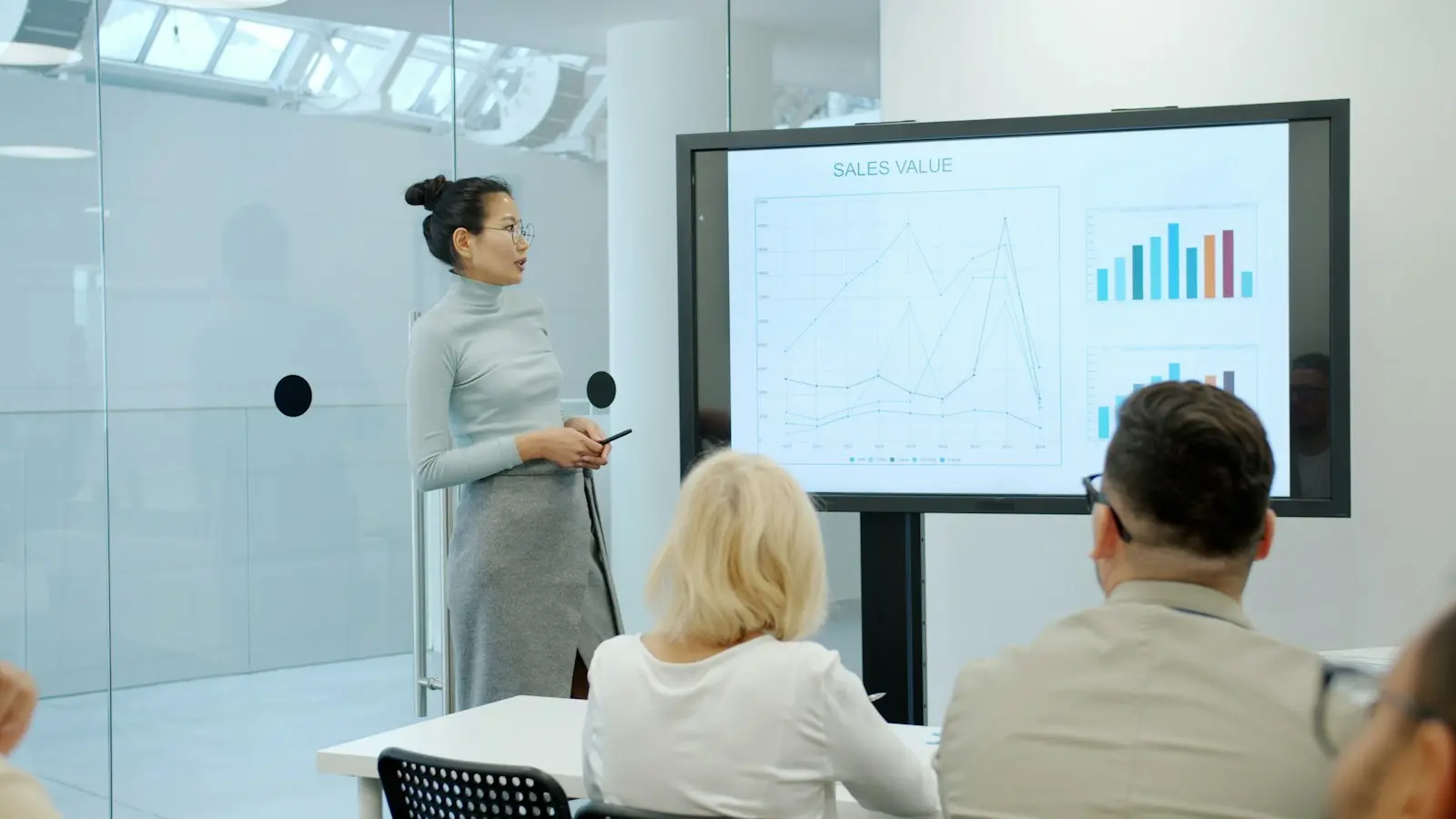
Security starts with your team
A short awareness session at the office often does more than yet another tool. We show real examples of phishing and explain what to do when in doubt.
What we check first at every SME
Twelve points that together cover most of the risk. How many are in order at your business today?
Identity
- MFA on all accounts, including admin accounts
- No shared accounts for daily work
- Admin rights separate from the everyday account
Devices
- Endpoint protection on every laptop and server
- Encrypted drives on laptops
- Updates rolled out within a fixed period
- SPF, DKIM and DMARC set up correctly
- Links and attachments checked before they reach the inbox
Recovery
- A backup that is separate from the network
- A restore test in the past year
People and agreements
- An awareness training in the past year
- A response plan on paper, with contact persons
These points align with the basic measures of the CyberFundamentals framework of the Centre for Cybersecurity Belgium (CCB). Whether NIS2 applies to your business is explained on the CCB website. We help with the technical measures and do not give legal advice.
Have your security baseline checkedHow it is set up
The details below are for IT managers and technical decision-makers. If that is not you, feel free to skip this.
Microsoft Entra ID with MFA for all users, preferably through the Authenticator app or passkeys rather than SMS. Conditional access blocks legacy sign-in protocols, requires a managed device for sensitive applications and keeps out sign-ins from countries where you are not active.
Laptops and servers run Microsoft Defender for Endpoint or an equivalent EDR solution, centrally managed and linked to our monitoring. Suspicious devices can be isolated automatically, and local admin rights are removed or granted only per application.
Incoming mail is filtered for phishing, malware and spoofed senders, with links and attachments checked before they reach the user. For your own domain we set up SPF, DKIM and DMARC correctly, so nobody can simply send mail in your name.
Short training sessions and periodic phishing simulations, tailored to the kind of mail your sector really receives. We report results per group, not as a verdict on individuals.
Security alerts come into our monitoring automatically and continuously and are assessed by the service desk during office hours, with the emergency line for anything that cannot wait. The response plan sets out roles, contact persons and first steps.
Three questions, two minutes, and a first picture of where your IT stands today.
Questions we get
That depends on your sector, your size and your role as a supplier to businesses that do fall under it. The Centre for Cybersecurity Belgium (CCB) publishes the official information. We help you with the technical measures, but do not give legal advice.
Most attacks are automated and look for weak spots, not big names. A small business with MFA, protected devices and a trained team is a much harder target.
No, and anyone who promises that is not telling you the truth. What we do: greatly reduce the chance, spot an incident quickly and make sure you can get back to work with a plan and a tested backup.
No. We can start with a security baseline assessment and the most important measures, even if another party manages your day-to-day IT. It does work best when one party looks after the whole baseline.
In some cases, yes. Flemish SMEs can, under certain conditions, get support through the kmo-portefeuille, where advice on digitalisation has only qualified since 1 February 2026 if it concerns cybersecurity, or through a VLAIO cybersecurity improvement programme. On request we adapt the description on our invoice. Whether you receive support is always decided by the competent authority.
The start-up is a project with a scope agreed in advance, and the follow-up afterwards a recurring agreement based on users and devices. We discuss the price after an initial analysis of your environment.
Let us look at where your doors are open today.
A short baseline check of your accounts, devices and mail, and an honest answer on what needs doing first.