The site doesn't wait for the latest version of the plan.
On site and in the office, everyone needs to work from the same plan, the same bill of quantities and the same photos, even when something changes along the way. We make sure those files are right everywhere and that the devices on site can take it.
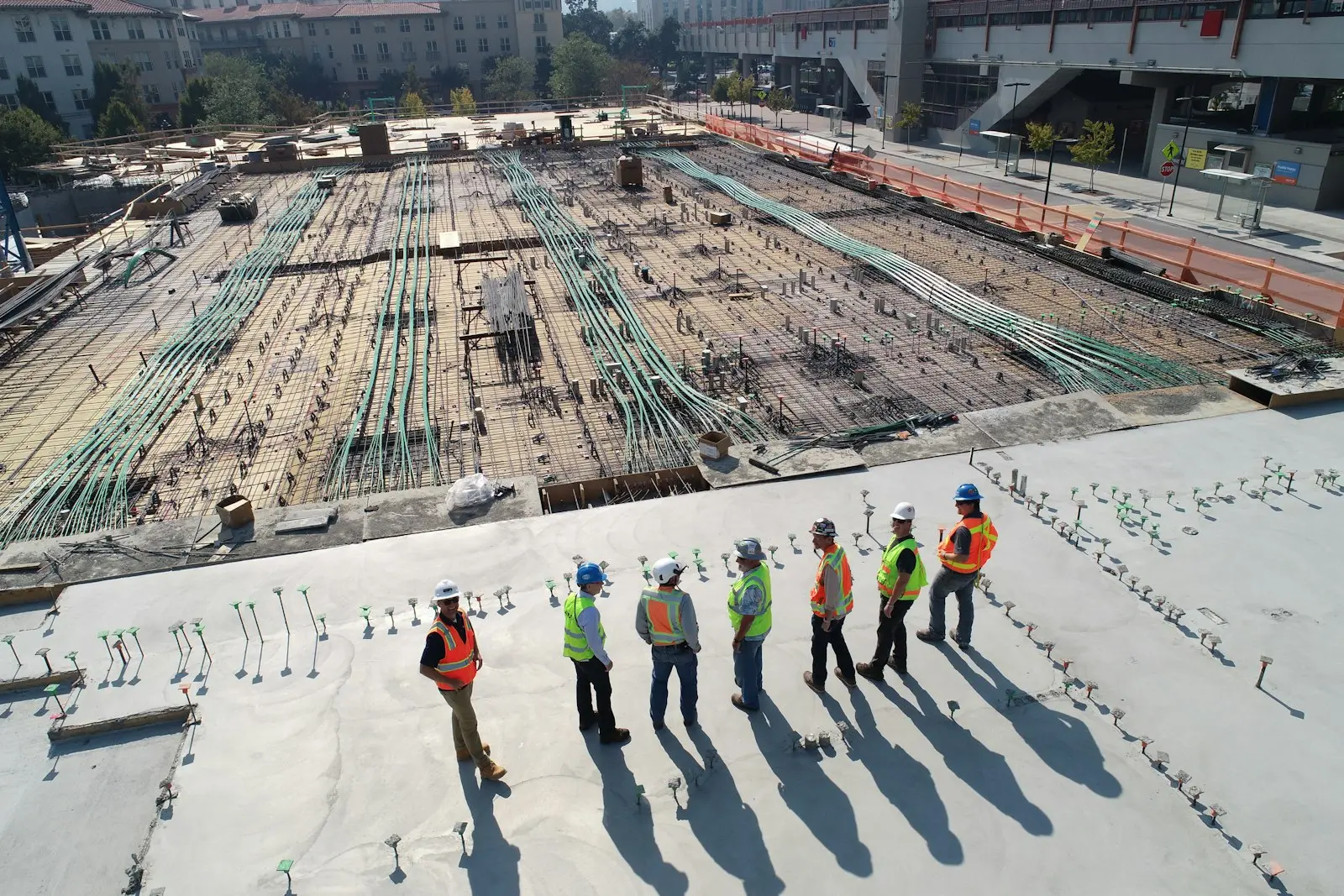
What a construction company asks of its IT
Four things your IT has to carry, from the site cabin to the drawing office.
- 01
Plans change during the works
A change from the architect or the client has to reach the site the same day. Whoever works from an old version builds it twice.
- 02
The file grows in two places
Bills of quantities and quotes in the office, photos and remarks on site. Everything has to end up in the same project file.
- 03
Sites are not offices
Dust, rain, a site cabin with weak signal and devices that move from crew to crew.
- 04
You work with many external parties
Subcontractors, engineering firms and architects need parts of the file, but not your whole server.
From the site to the invoice
What happens to a photo or a bill of quantities from the moment it is made on site until it appears on the invoice.
- 1
Photo and quantities on the tablet
The site manager fills in quantities, extra work and remarks and takes photos, even in a basement with no signal.
- 2
Synchronised as soon as there is signal
Everything lands in the right project file automatically, with the date and the site attached.
- 3
Processed in the office
Extra work, hours and materials go into your estimating or site management software without retyping.
- 4
Invoiced
The progress statement or invoice goes out with the photos and the report as evidence, and every version is kept.
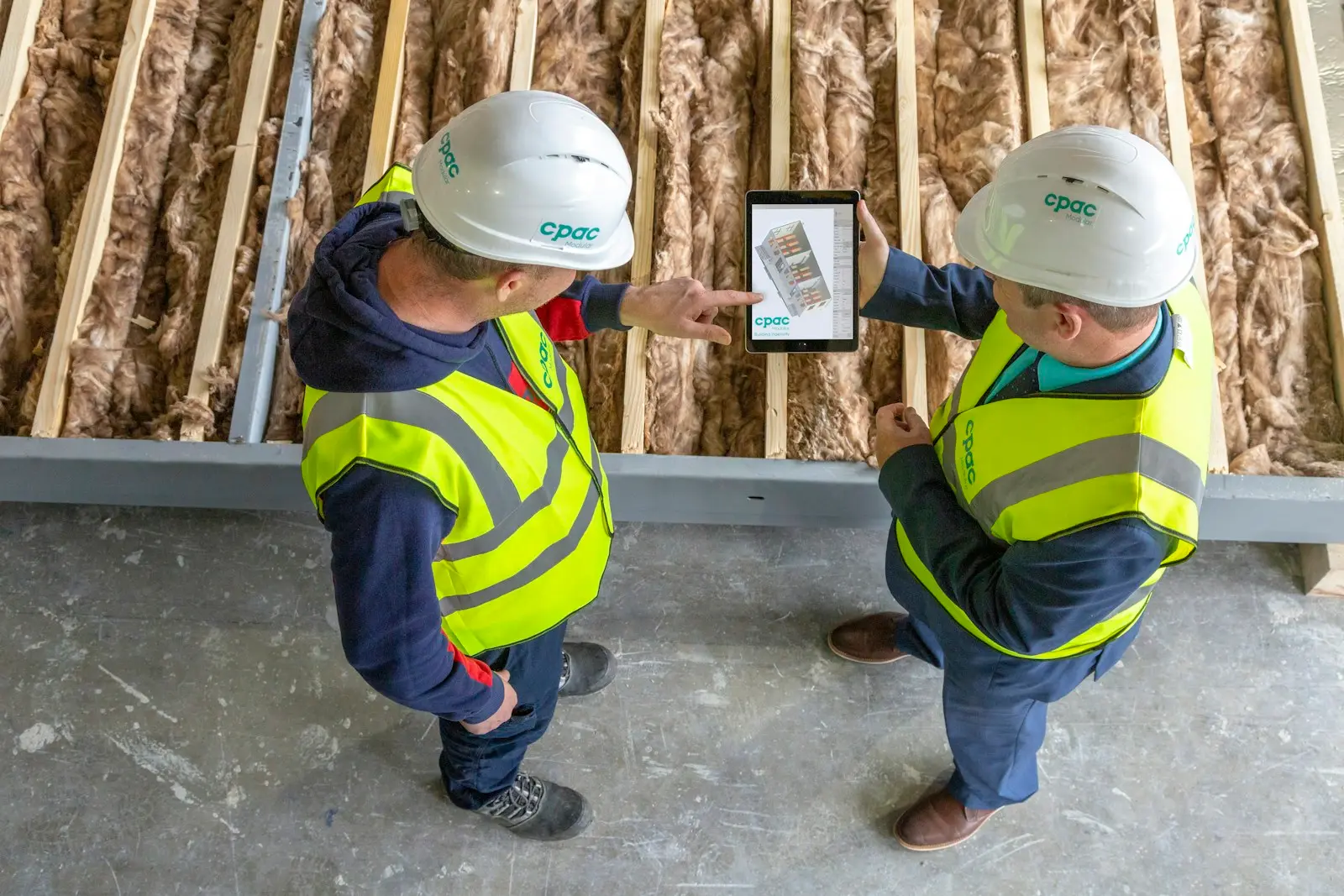
From the site to the office
Plans, photos and job sheets sit on a managed tablet for your crew and reach the office without detours.
The software and devices we build around
Your drawing, estimating and site software stays as it is. We make sure the files, devices and integrations around it are reliable.
In the office
- Workstations for CAD and BIM
- Estimating and quoting software
- Microsoft 365 & SharePoint
- Version control for plans
- Local or hybrid storage for large files
On site
- Intune & MDM
- Rugged tablets and phones
- 4G/5G router for the site cabin
- Offline synchronisation
- Remote wipe
Security & recovery
- Microsoft Entra ID
- MFA & conditional access
- Microsoft 365 backup
- Project server backup
Everyone contributes to the file. Not everyone sees everything.
Per project you decide who sees which folder, and that access expires when the site is finished.
Subcontractors
See the plans and work information for their part, not your quotes, margins or other sites.
Architects and engineering firms
Work on the plans and calculations for the project, with version control so an earlier version can always be found.
Client or developer
Receives site reports, photos and handover documents through a shared folder, without heavy email attachments.
Your own office
Sees the full file, including estimates and invoicing, with MFA on every login.
What we usually set up first
All solutionsQuestions from construction companies like yours
By having one place where the project file lives, with version control and synchronisation to the devices on site. A new version is then available everywhere, and the previous one can still be found.
Yes. We give them guest access to only the projects or folders they need. That access expires when the project is finished, and you can always see who shared what.
Because the device is managed centrally, we lock or wipe it remotely. The files are not only on the tablet, so a replacement device is ready again quickly.
That depends on how they are used: viewing plans needs a different screen than filling in a quick report. We recommend devices that can handle the site and manage them centrally, whatever the model.
Not always, and we say so. For large CAD and BIM files we sometimes choose a local server or a hybrid setup, with backup and remote access included.
Talk to someone who knows the difference between site and office.
We look at how your plans, files and devices work today and tell you what we would put right first.