
Your crews are on the road. Your IT goes with them.
Technicians work at the client, in a basement or by the roadside, and still need access to the same schedule, files and photos. We make sure their device simply does that every morning, even when something goes wrong along the way.
From the first job to the invoice
A crew sets off with a tablet in the van. This is how a day runs when the devices and integrations are set up for it, even when something goes wrong.
Report a lost or stolen device to the service desk during office hours and through the emergency line outside them. The sooner we know, the sooner it is wiped.
- 1Departure
The schedule is on the tablet
The crew sees the day's jobs, with address, contact person and the installation's history. An urgent call-out from the office appears straight away.
- 2At the client
Job sheet, readings and photos on site
Even in a basement with no signal. The data is stored locally and synchronises as soon as there is a connection again, if your software supports it.
- 3Finished
Signature and report with photos
The client signs on the device. The report is generated automatically, goes to the client the same day and is saved in the file.
- 4On the road
A tablet goes missing
Because the device is managed centrally, we lock or wipe it remotely. The data is not only on the tablet, so a replacement device is set up again quickly.
- 5Back at the office
Ready for invoicing
Hours and materials are ready in your scheduling or accounting software, without retyping.
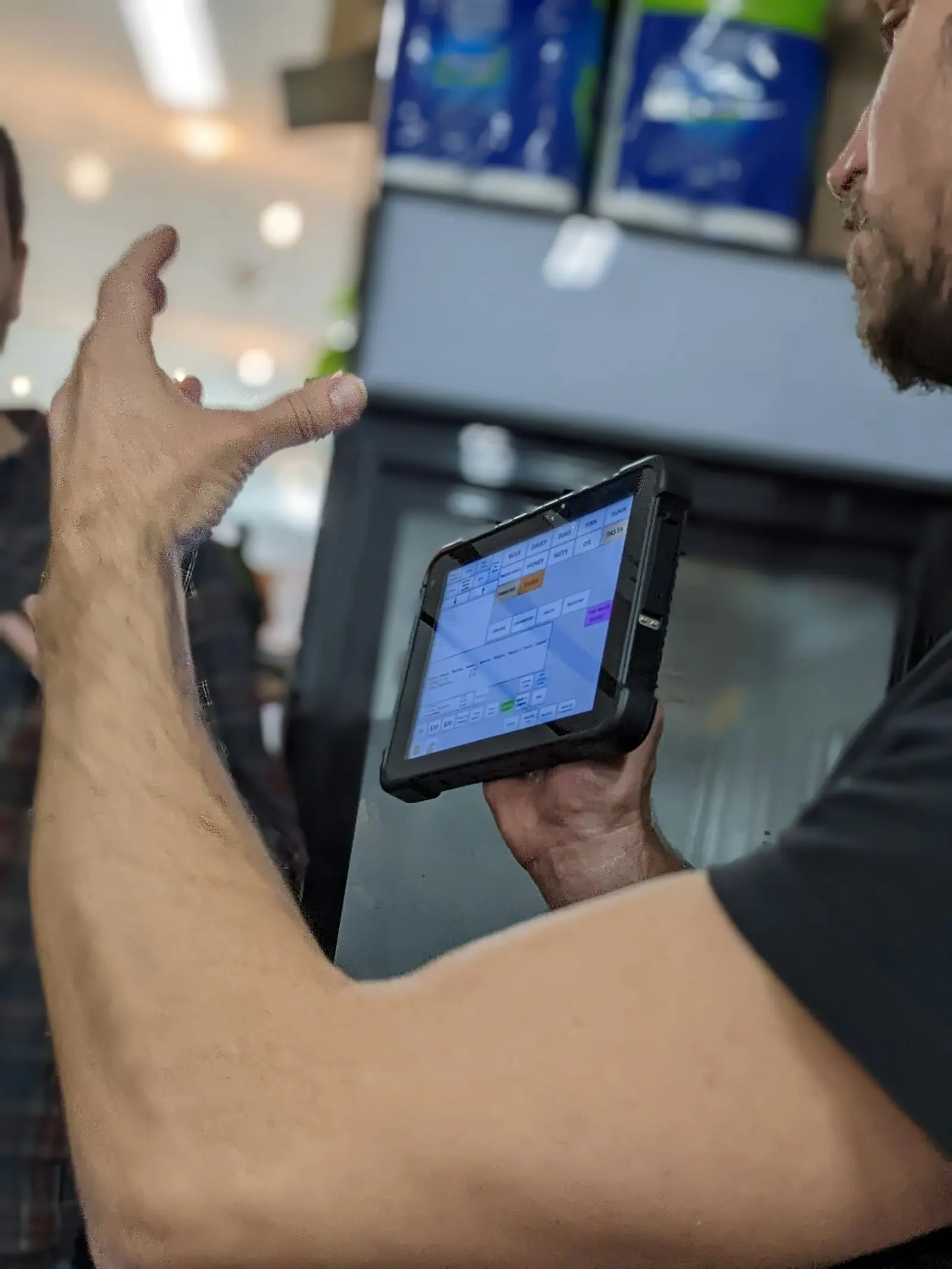
Your technicians work on the road, not in the office
Managed tablets and smartphones with the apps they need. If one breaks, a new device with the same settings is ready quickly.
Where it gets stuck today
Devices nobody manages
Personal phones, old tablets and loose apps. When one goes missing, nobody knows what was on it or how to wipe it.
Reports that arrive days later
Paper slips, photos in a group chat, retyping in the office. Invoicing waits until everything has been pieced together.
Systems that don't talk to each other
Scheduling, job sheets and accounting in separate tools, with someone in the office moving the data by hand.
The tools a crew runs on
We work with the scheduling and job sheet software you already use, and make sure the devices and integrations around it are reliable.
Scheduling & job sheets
- Scheduling and job sheet software
- Offline synchronisation
- Automatic reports
- API integration with your accounting
Mobile devices
- Intune & MDM
- Rugged tablets and smartphones
- Kiosk mode for shared devices
- Remote wipe
- 4G/5G data plans
Security & data
- Microsoft Entra ID
- MFA & conditional access
- Personal logins per technician
- Microsoft 365 & SharePoint
- Microsoft 365 backup
What we usually set up first
All solutionsQuestions from companies with crews on the road
Yes, if the software supports it. We set up the devices and apps so that job sheets and photos are stored locally and synchronise as soon as there is signal again.
Because the device is managed centrally, we lock or wipe it remotely. The data is in the cloud, so a replacement device is ready again quickly.
Yes. We put them in a shared mode where each technician works with their own login, so you know who filled in what.
Usually not. We first look at what you already use and connect it to your other systems. If a tool is really holding you back, we tell you and explain why.
Our service desk is open Monday to Friday, from 9 am to 5 pm. Outside those hours there is an emergency line for what cannot wait, and monitoring always carries on.
Talk to someone who knows how a day on the road goes.
We look at your devices, scheduling and reporting and tell you what we would simplify first.